Intelligent analyzer Zodiac Blue Connect Gold | WA000100
Forget about test strips and drops
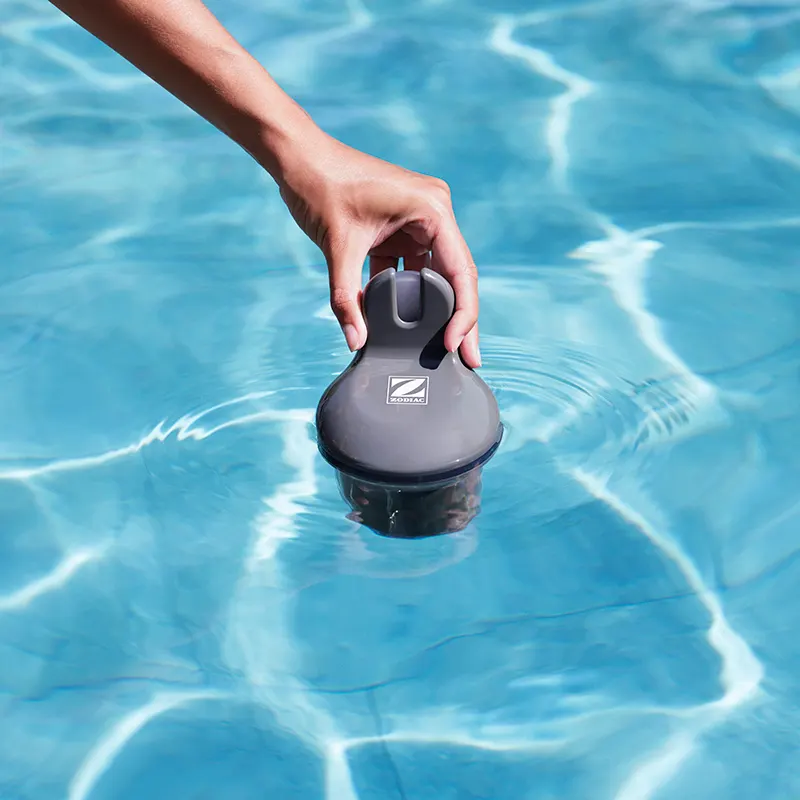
The Zodiac Blue Connect transforms uncertainty into peace of mind. This smart analyzer acts as a 24/7 watchdog, monitoring the health of your water so you can just worry about enjoying it. Thanks to its advanced technology, you will receive an accurate diagnosis on your cell phone and, most importantly, clear instructions on what products to add and how much to add. It is the ultimate solution to save time, save money on chemicals and ensure a healthy bathroom.
.
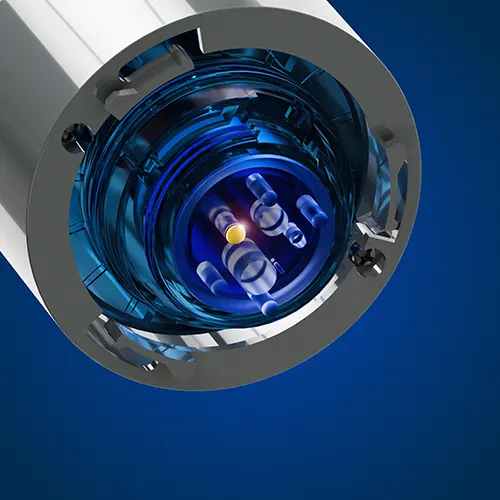
4-in-1 sensor
Allows continuous measurement of pH, ORP (ORP), temperature and conductivity (salinity).
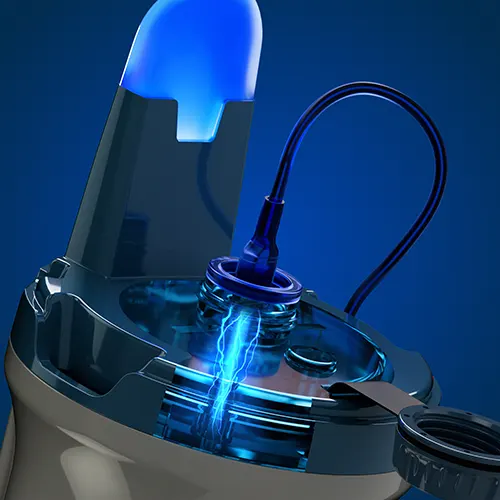
Rechargeable battery
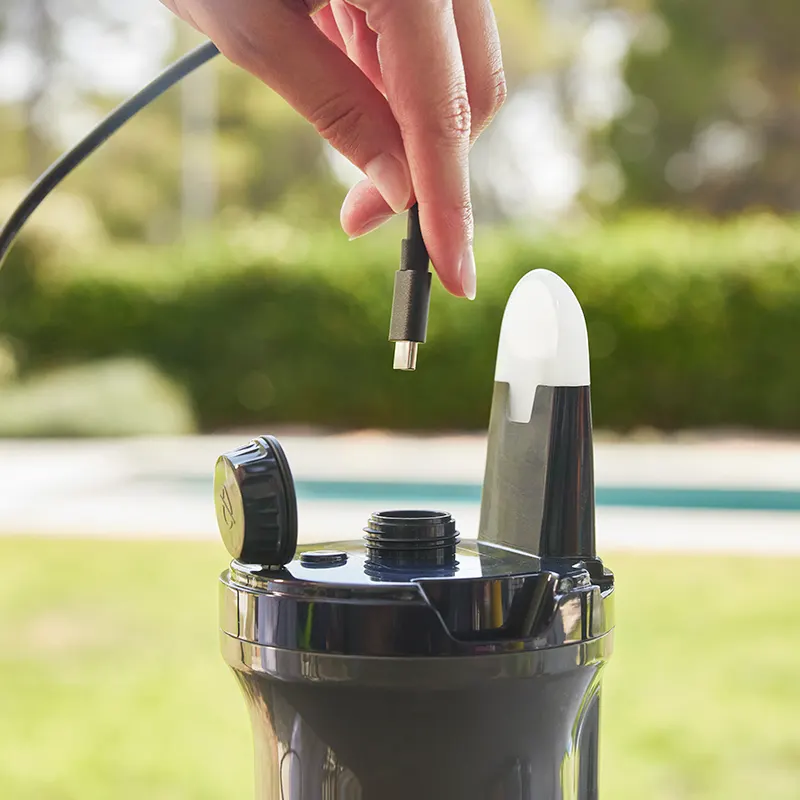
Built-in lithium-ion battery (3.6V 3200mAh), rechargeable via USB-C port.
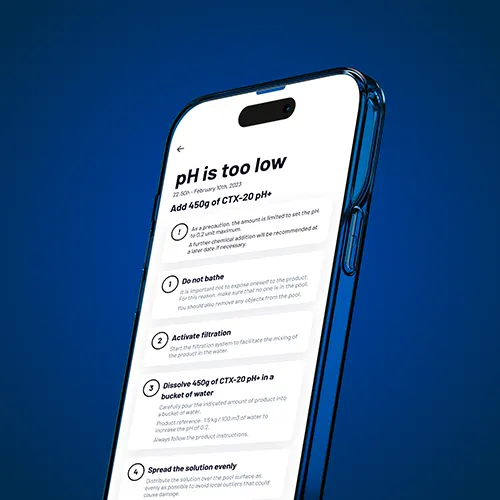
Maintenance Assistant
Receive alerts and step-by-step guides to correct water parameters when necessary.
.
Highlights and technical functionalities of the analyzer Zodiac Blue Connect Gold
- Water temperature measurement: Controls the exact degrees (°C) to optimize the efficiency of the disinfectants and prevent algae growth due to excessive heat.
- Control of pH (Hydrogen Potential): It measures the acidity or basicity of the water (range 0 to 14) with an accuracy of ±0.1, essential for bather comfort and chlorine efficacy.
- Disinfection analysis (ORP/Redox): Determines the oxidizing power of the water in millivolts (0 to 999 mV), indicating whether the water has sufficient disinfectant capacity.
- Conductivity and salinity: Measures the concentration of inorganic salts and dissolved salts, crucial for salt chlorination equipment
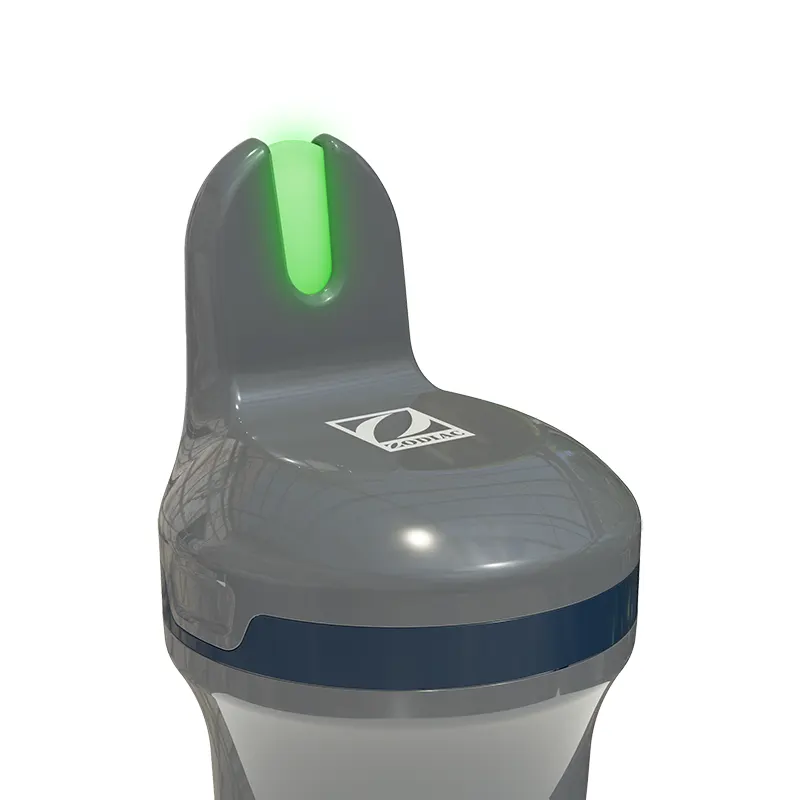
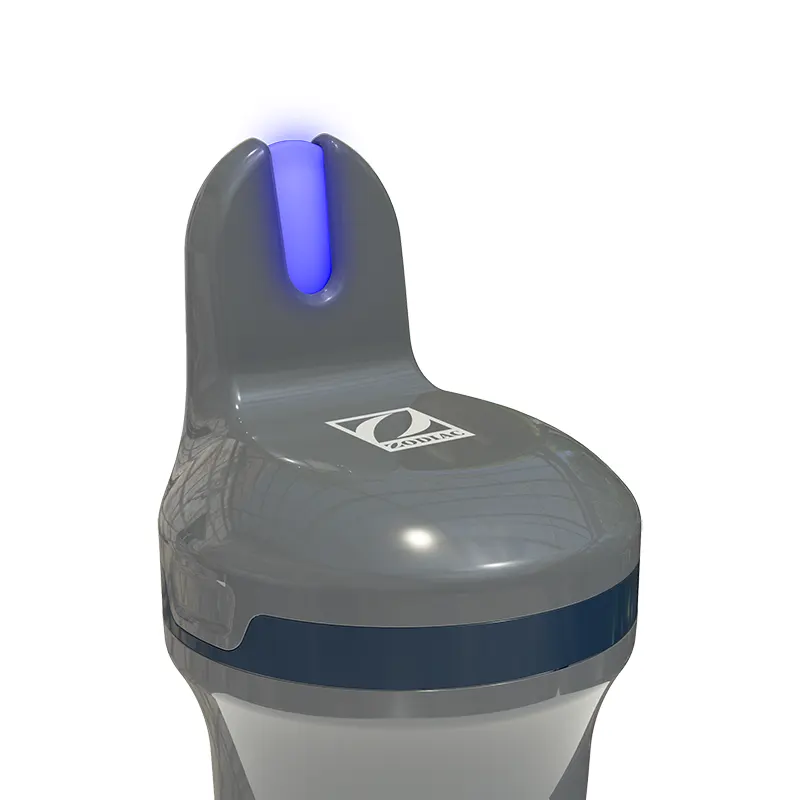
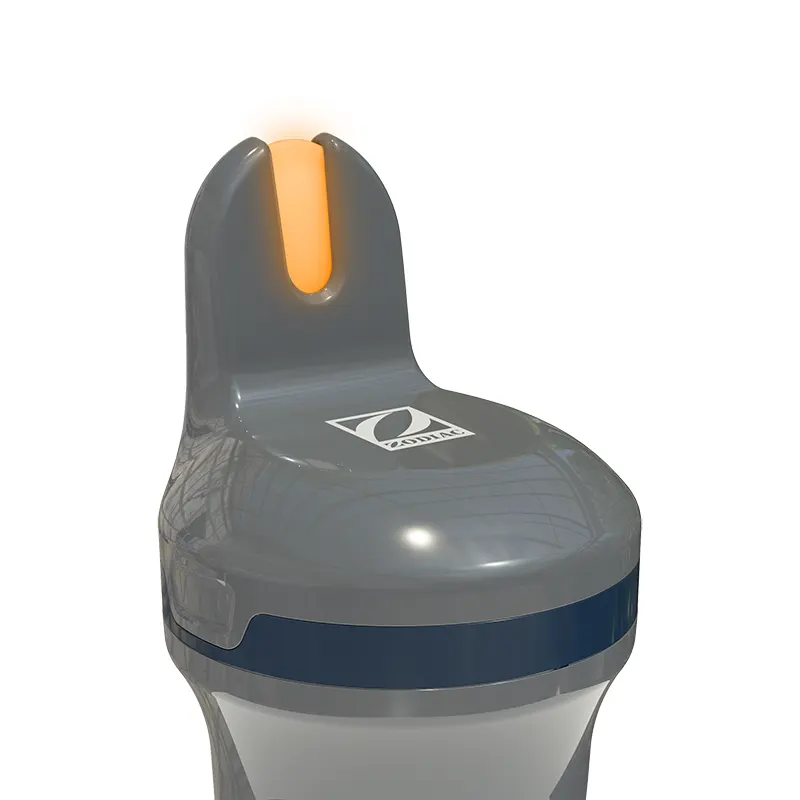
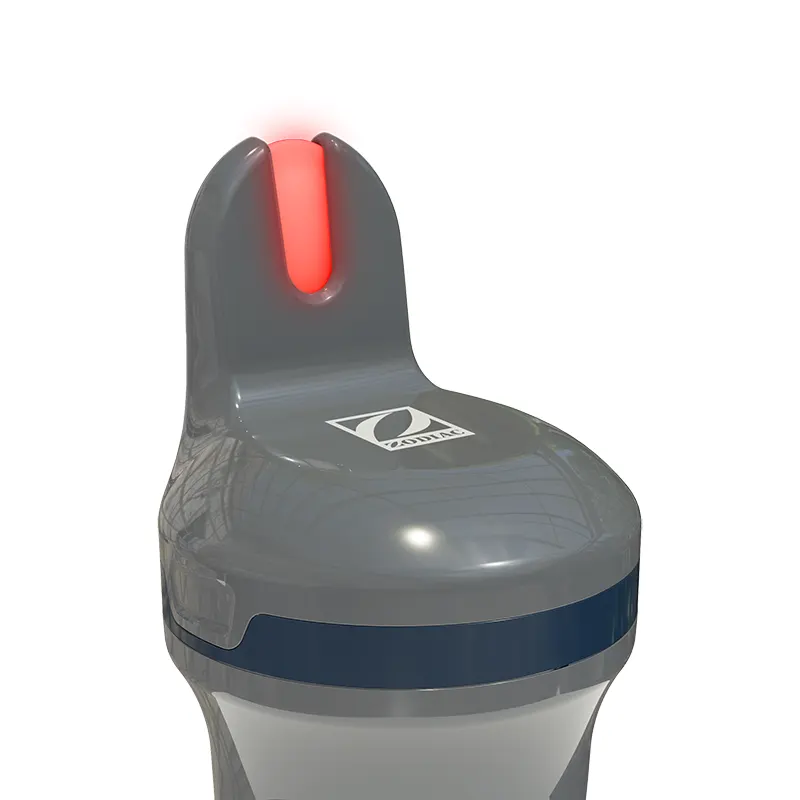
- LED status indicator: It incorporates an LED that provides quick visual feedback on water, battery and charge status with color coding (Green, Orange, White, Blue, Red).
- Push Notifications: If the device detects an out-of-range parameter, it sends an immediate alert to the Fluidra Pool App with the necessary corrective action.
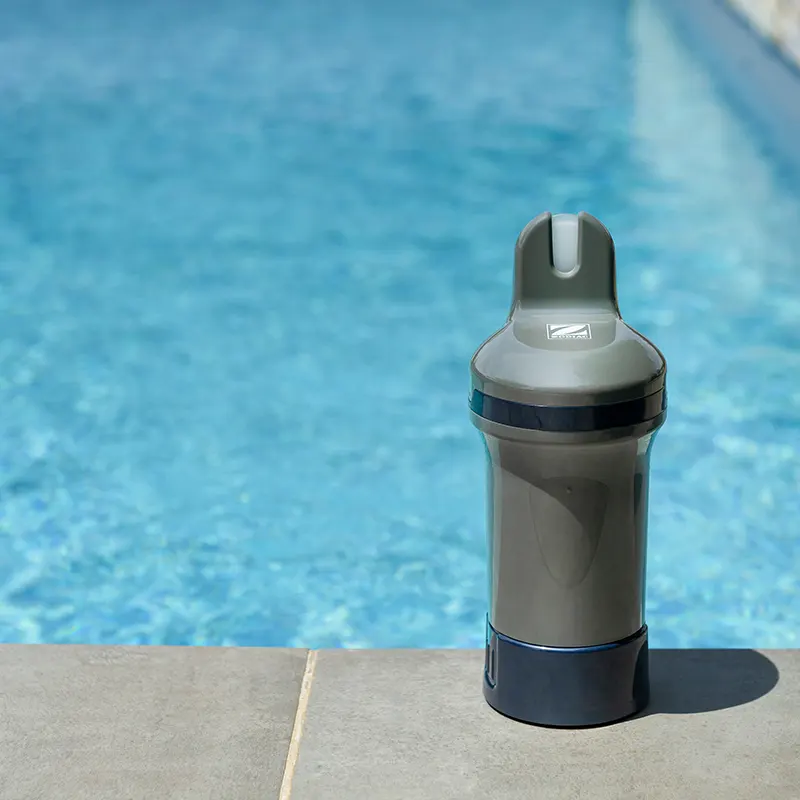
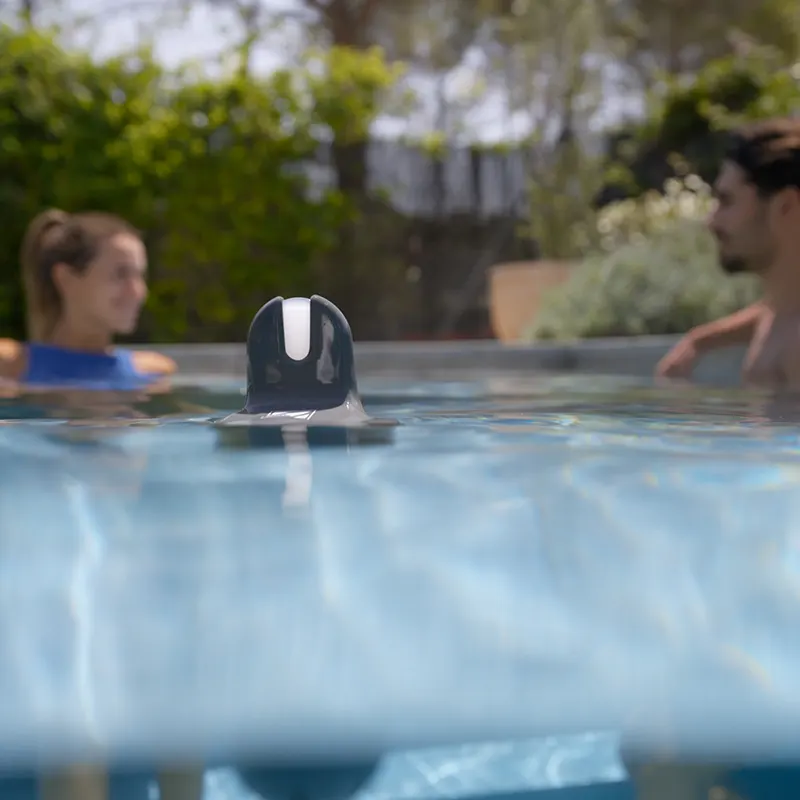
- Plug & Play" installation: Simply activate it and let it float in the pool. Make sure the top is out of the water for communication.
- Blue Fit50 compatibility: Allows fixed installation on the technical room piping by means of a compatible clamp (accessory sold separately), ideal for use with pool covers.
- Meteorological geolocation: Cross-reference your pool data with local weather forecasts to anticipate treatment needs.
- Long battery life: Equipped with a rechargeable lithium battery (3.6V 3200mAh), eliminating the need for disposable batteries. Easily charged via USB-C cable.
- Simple calibration: Guided process through the App to calibrate pH and ORP probes, ensuring accurate measurements season after season.
- Probe protection: Includes a storage cap with KCl to protect the probe during transport or when removing it from the water.
- Wintering mode: Special configuration in the App to store the device correctly during the winter, protecting the battery and sensors.
- Firmware updates: The device is kept up to date by automatic updates when connected to the App.
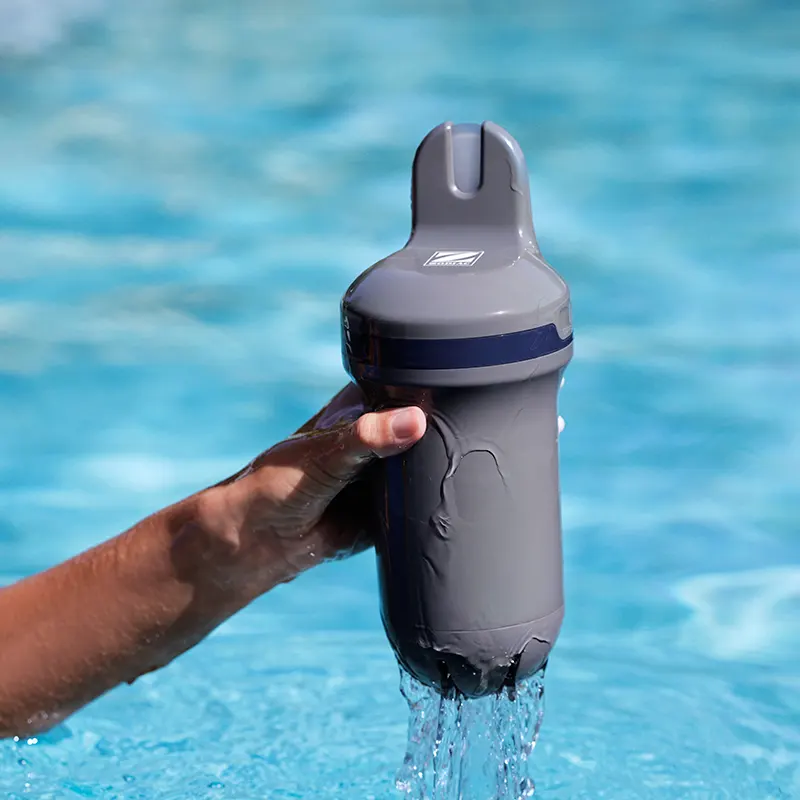
- Rugged design: IPX8 certified body.
- Connectivity: Bluetooth Low Energy® (BLE) (2402-2480MHz band).
Previous Next
Analyzer Installation and Use Guide Zodiac Blue Connect Gold
The Zodiac Blue Connect is designed under the "Plug & Play" concept, allowing for a simple and easy to use start-up in less than 3 minutes without the need for complex tools.
Follow these steps to ensure optimal performance from day one.
1. Initial Battery Charge
Before immersion, it is essential to charge the device to 100%.
- Procedure: Unscrew the watertight top cover and connect the included USB-C cable to a power source.
- Indicator: The LED will illuminate solid blue once charging is complete.
- Caution: Always perform this step with a dry device and dry hands to avoid damaging the charging port.
2. Digital Linkage
- App: Download the free Fluidra Pool app (available for iOS and Android) and create your user account.
- Pairing: Within the app, select "Add device". Scan the QR code that you will find on the storage base of the device or under the top cover.
- Connectivity: The device will automatically connect to the Sigfox network (if available) or to your home Wi-Fi network (Plus/Connect version).
3. Device Preparation
The Blue Connect comes protected with a storage base containing KCI (Potassium Chloride) liquid to keep the probe moist.
- Removal: Unscrew the gray storage base. Important: Do not throw away this base or the liquid; save them for winterization or transport.
- Cleaning: Rinse the probe with clean water (tap water) to remove excess KCI.
- Protection: Screw in the use plug (with holes) supplied in the box. This plug protects the physical sensors while allowing water to pass through for analysis.
4. Swimming Pool Installation
You have two placement options according to your needs:
- Floating Mode: Simply leave the device floating in the water. Make sure it stays upright with the top (antenna) out of the water to ensure data transmission. You can secure it with the included rope to a fixed point.
- Pipeline Mode (optional, not included)If you prefer it not to be visible, use the Blue Fit50 collar (optional accessory) to install it directly on the piping of the technical room. Note: Always install after the filter and before the product injection system.
5. Maintenance and Safety Tips
To maximize the lifetime of the probe (approx. 2 years), follow these golden rules:
- Never leave the probe dry: If you take the device out of the water for more than 1 hour, replace the storage base with KCI, pH4 solution or, as a last resort, pool water.
- Do not use in the skimmer: The movement and concentration of chemicals can damage the device; let it float freely.
- Wintering: If the water temperature drops below 5°C, it activates the "Wintering Mode" in the app, remove the device, clean the probe and store it in its base with KCI liquid in a frost-protected place.
- Calibration: It is recommended to calibrate the pH and ORP probes once at the beginning of each season using standard calibration kits to ensure laboratory accuracy.
Visual Status Guide: Understand your Zodiac Blue Connect Gold
The Zodiac Blue Connect communicates with you through an intuitive LED light system. To perform a quick water or battery status check without opening the App, simply remove the device from the water and turn it upside down (with the cap facing up) for at least 1 second. The device will beep and light up.
Here is the color code to interpret their message instantly:
Operating and load states
? Steady Blue: Full charge. Battery is at 100% and ready for operation.
? Blue Flashing Slow: Charging. The device is connected to the power correctly.
? Blue Flashing Fast: Upgrade in progress. The device is receiving a firmware upgrade. Do not disconnect or turn it off.
⚫ Off: The device is not activated or is in deep standby mode.
Quick diagnostics (by turning the device)
Green (5 seconds): Everything is perfect! The water is balanced.
? Orange (5 seconds): Attention required. Some parameter (pH, ORP, etc.) is out of range. See the Fluidra Pool App for detailed diagnostics and next steps.
Red (3 flashes): Low battery. It is necessary to recharge the device soon to ensure continuity of measurements.
⚪ White (5 seconds): No diagnosis. The device is on, but does not yet have a water status analysis available or is in the process of measuring.
Technical note:
Each change of status or confirmation of action is usually accompanied by an acoustic signal (beep) to confirm that the device has registered the movement or command.
Previous Next
Frequently Asked Questions (FAQ's): Zodiac Blue Connect
How to load the Zodiac Blue Connect?
You must remove the device from the water, dry it thoroughly and remove the top cover. Unscrew the charging port cover and connect the supplied USB-C cable. Charging should be done in an upright position using the storage stand. Do not take measurements during charging.
Can I leave the Blue Connect in the pool with the cover on?
Yes, but it is not recommended to use the tether if it has a cover, as the device may be completely submerged and lose WiFi/Bluetooth connectivity. Make sure the top is out of the water for proper communication.
How often should I calibrate the probes?
It is recommended to calibrate the pH and ORP probes once a season. You will need a calibration kit (pH4, pH7 and ORP solution). It is not necessary to perform it at the first installation.
What should I do with the Blue Connect in winter?
You must activate the "Wintering Mode" from the app. Take the device out of the water, remove the use cap, clean and place the storage foot with KCl (or pH4) solution to keep the probe moist. Store in a place protected from frost.
What do the LED colors on the device mean?
When rotating the device out of the water: Solid green indicates that the water is OK. Steady orange indicates water needs correction. Flashing red indicates low battery. White indicates device is on but no water status. Solid blue indicates full charge.